Oil and filter
March 12, 2026 · 88,420 miles · You
- Parts
- Oil filter and 5 quarts of oil
- Cost
- $64
- Receipt
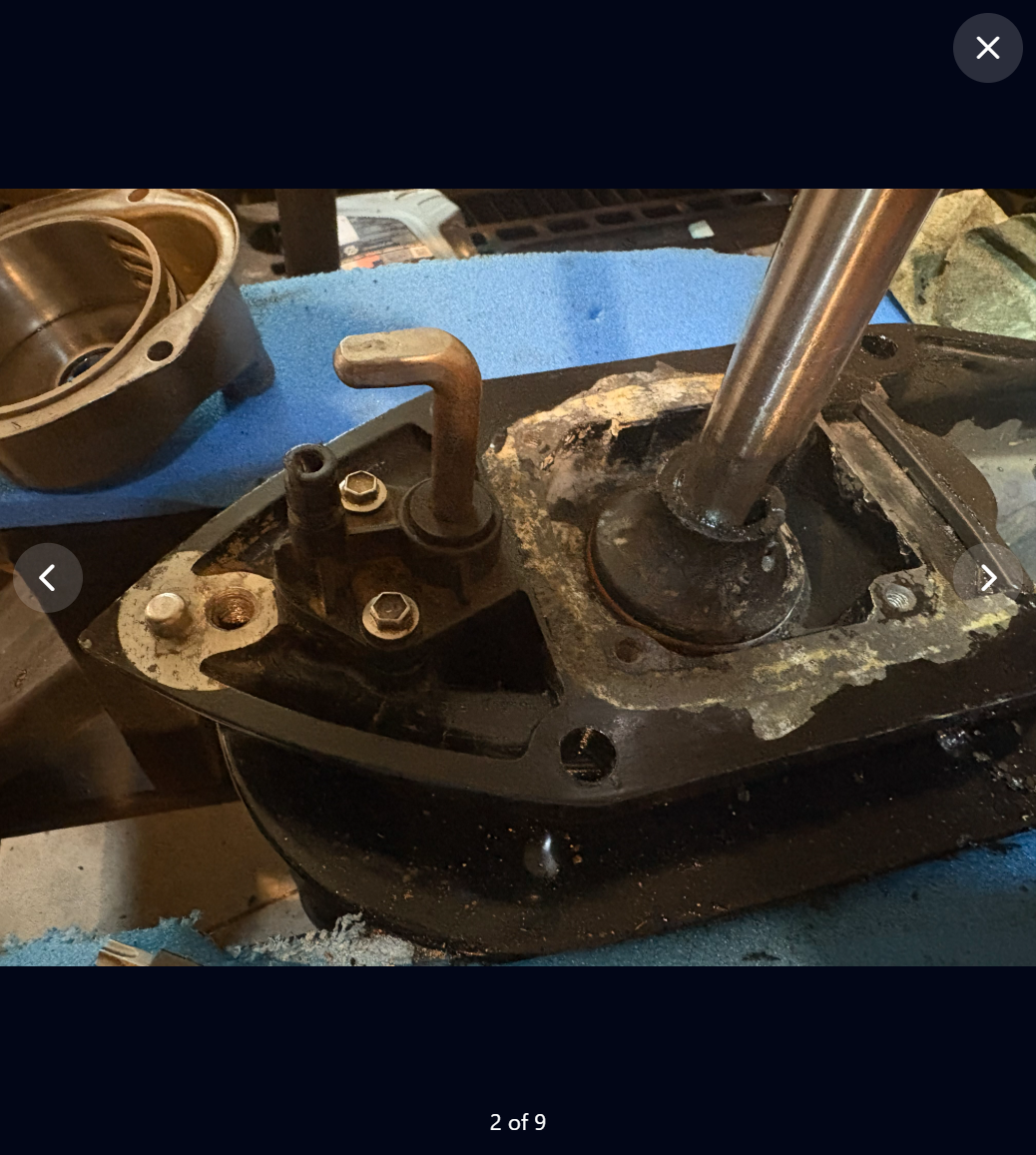
- Photo kept with the visit
Notes for next time
Filter was tight. Use the strap wrench in the top drawer.

Vehicle maintenance and project tracking
Track maintenance, projects, parts, mileage, photos, procedures, and everything else that keeps your vehicles and equipment running.
No credit card required.
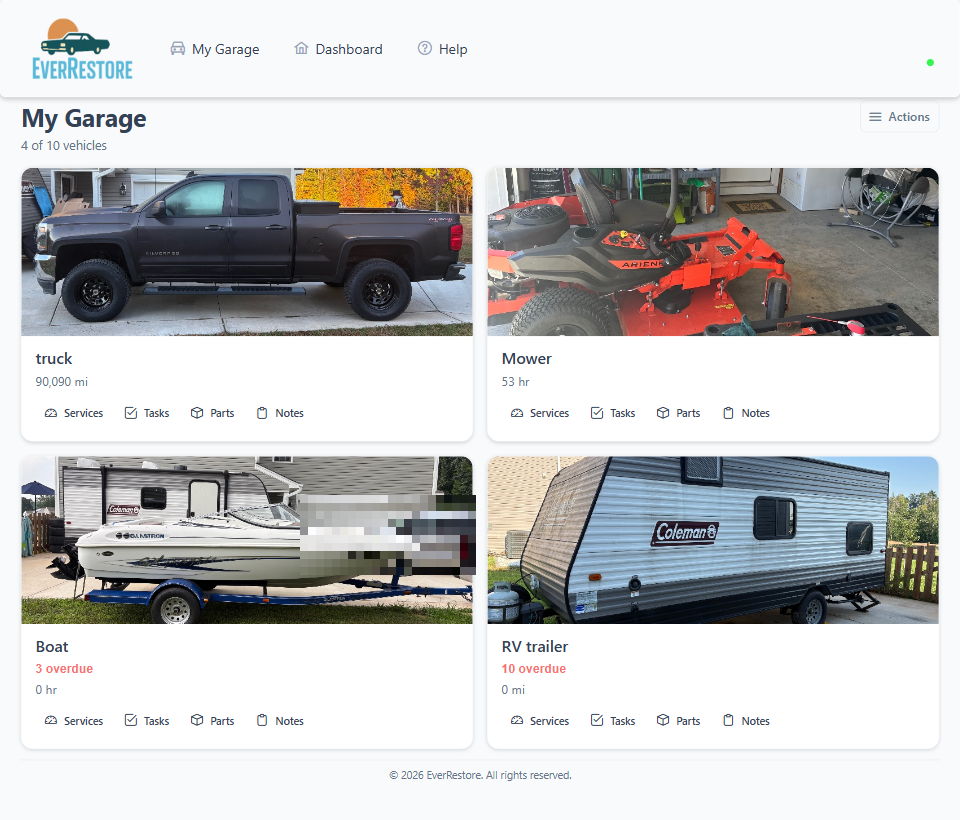
Service dates you meant to remember.
Receipts that never made it into a record.
Procedures you cannot find at the vehicle.
Parts and project notes split across places.
EverRestore gives every vehicle a permanent home for its history, maintenance, projects, and important information.
Add cars, trucks, boats, motorcycles, trailers, lawn equipment, and project vehicles. Each one gets its own history, schedule, photos, parts, projects, and notes.
Mileage, upcoming maintenance, and open tasks.
Operating hours and work that has to happen before launch.
Task progress next to the maintenance still due.
A schedule in miles, hours, or the calendar — whatever that machine uses.
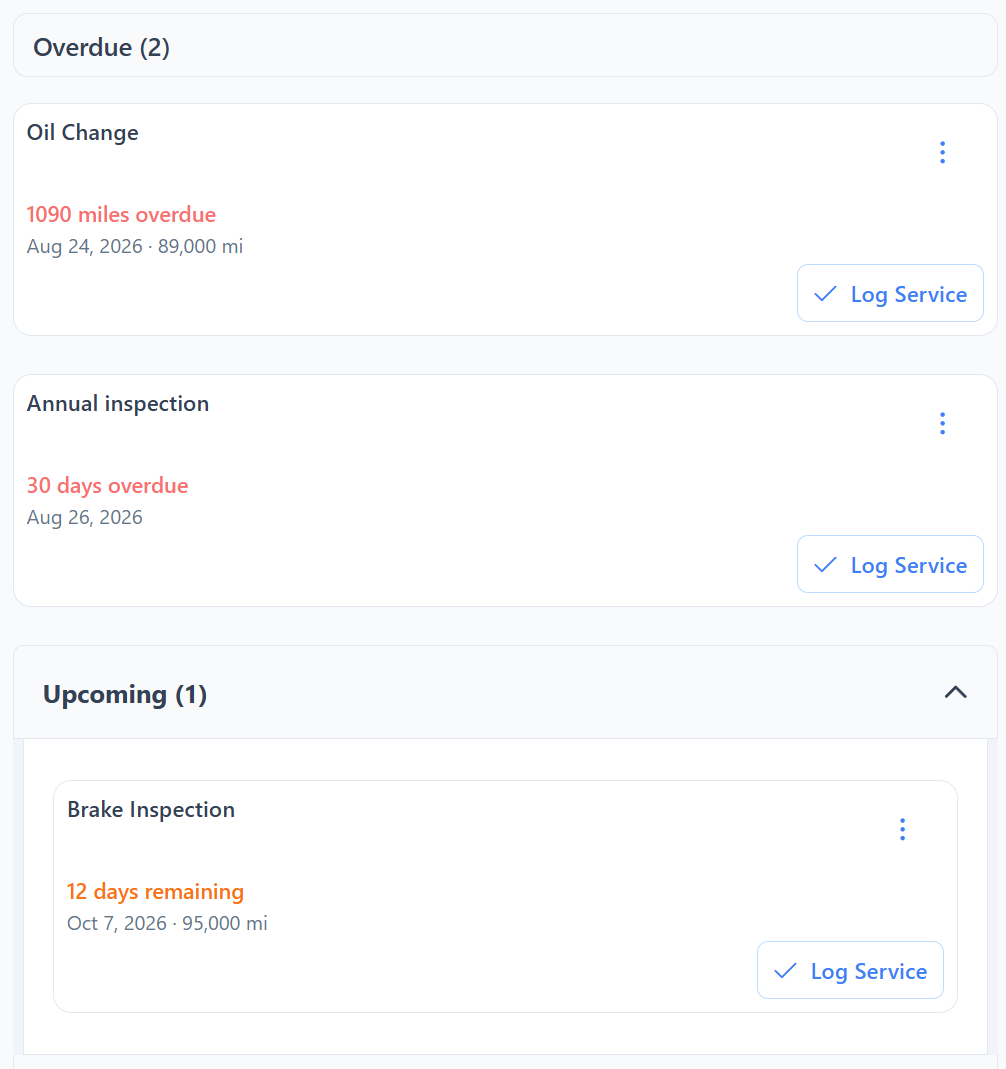
EverRestore tracks maintenance by date, mileage, hours, or a combination of them — and brings important work to the surface before it is forgotten.
1,090 miles overdue.
Before launch.
In eight operating hours.
In April.
Record when the work happened, the mileage or hours, who completed it, what it cost, which parts were used, and anything you want to remember next time.
March 12, 2026 · 88,420 miles · You
Filter was tight. Use the strap wrench in the top drawer.
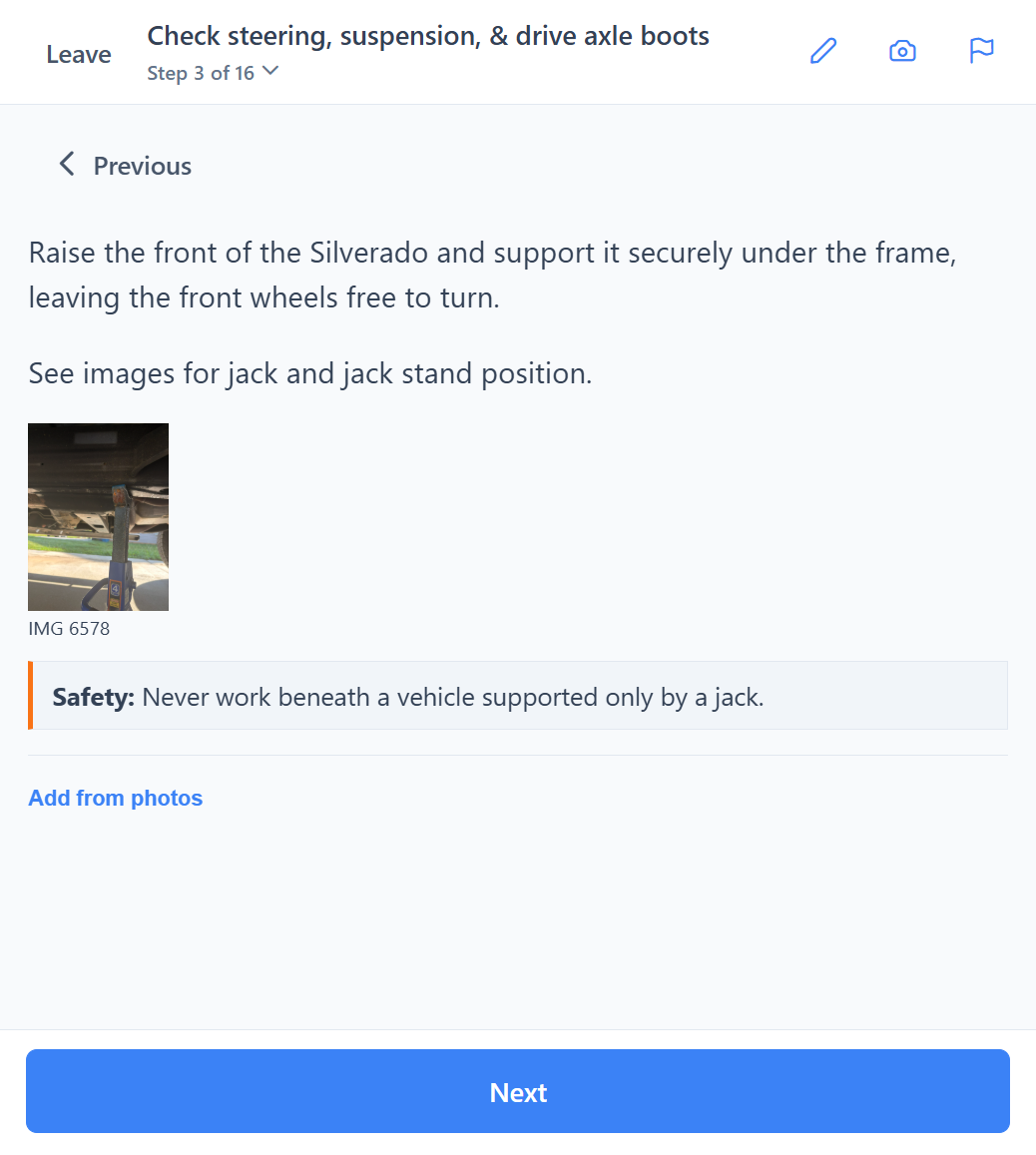
Save repeatable procedures with tools, parts, safety guidance, diagrams, and glanceable steps. Follow them from your phone while you work, then preserve the completed service in the vehicle’s history.
Photograph a parts receipt. EverRestore reads the vendor, line items, and costs. You review them, then add what you want to the vehicle. Nothing is saved until you confirm.
Take a photo or upload the pages from a parts counter or an online order.
Check each line. Match it to a part you already keep, or confirm a new name and cost.
Receive the parts into inventory and, if you want, record one parts expense with the photos attached.
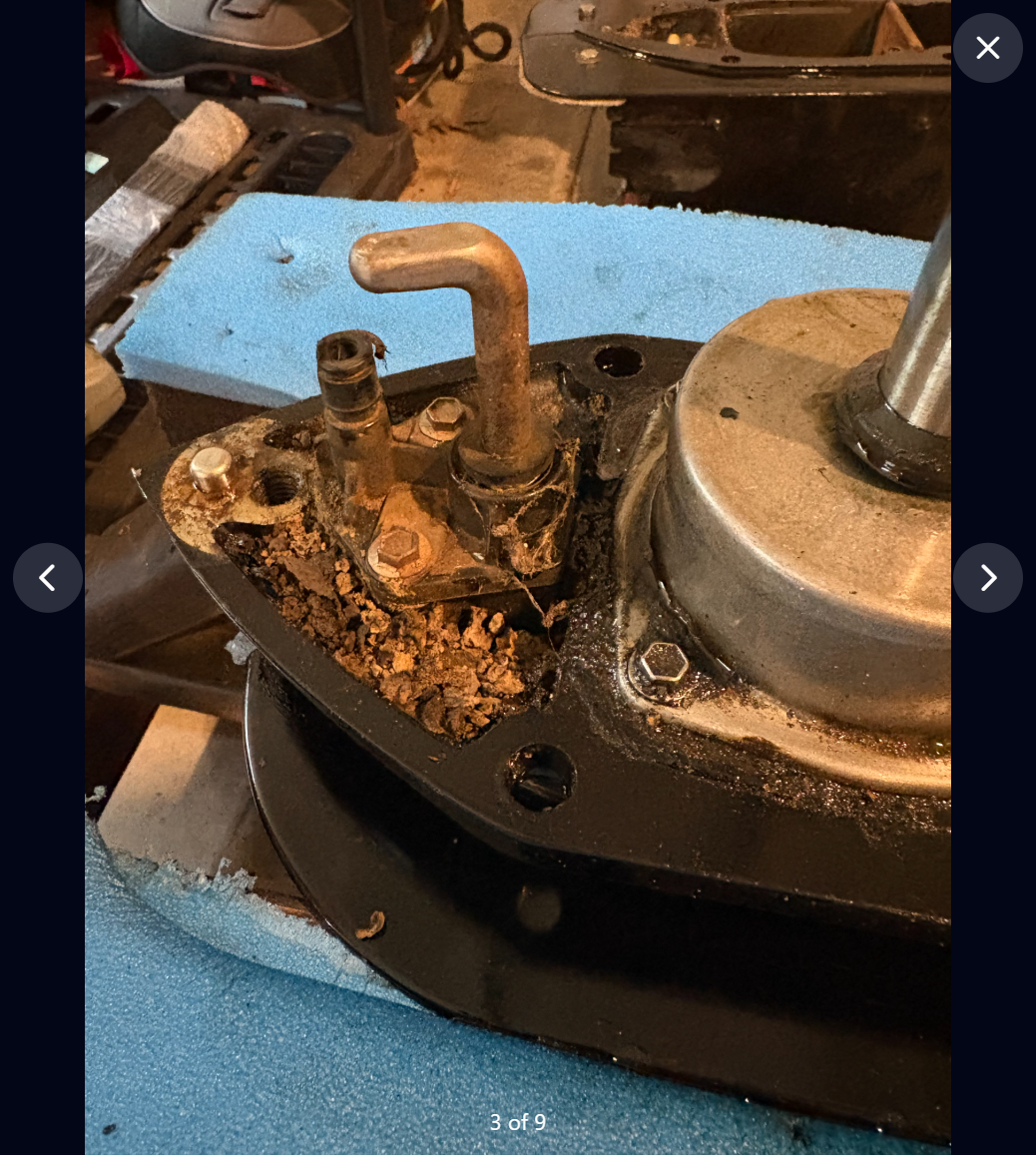
Break restorations and repairs into manageable tasks, organize the parts you need, compare budgeted and actual costs, and preserve progress with photos.
Open EverRestore on your phone. There is no separate app-store download to describe — the same account works in the browser, including outside.
I built EverRestore after years of maintaining vehicles and equipment — from Coast Guard helicopters to the projects in my own garage. Existing tools were either too limited, too complicated, or designed for repair shops instead of owners. EverRestore is the system I wanted: one place to know what needs attention, record what I did, and make the next job easier.
Start tracking your vehicles, maintenance, and projects today.
Start for freeNo credit card required.